Can HR use ChatGPT for benefits questions? A practical guide

HR leaders are under pressure to put AI to work, and employees are already asking chatbots about their benefits. This guide is for HR and benefits teams at mid-market companies who need practical guardrails for using ChatGPT, Claude, and other general AI tools on benefits questions. It explains when these tools are a good fit and when a benefits-specific tool like HQ is the safer choice, because benefits answers are personal, involve protected health information, and often come up at high-stakes moments.
Your leadership team wants to see AI put to work in HR. Your employees are already using it, and some are asking chatbots how their benefits work. What you may not have yet are the guardrails: what is safe to use AI for, what data should stay out, and who steps in when an answer really matters.
So, can you use ChatGPT to answer benefits questions? Yes, HR can use ChatGPT and other popular AI tools for general benefits work, like drafting employee communications, explaining common terms, and researching vendors. The fuller answer has more to it, and it starts with what makes benefits different from the other things employees ask AI.
This guide walks through the questions that come up most: why benefits need extra care, when to use ChatGPT and when to skip it, why it can get benefits wrong, how to use it safely, and what to use when a general tool is no longer enough.
Why do benefits questions need extra care with AI?
Benefits questions need extra care because the answers are personal, the data is protected, and the moments that prompt them often matter a great deal to the employee.
The answers are personal.
Two employees can ask the same question and need different answers, because plan elections, dependents, eligibility rules, and state rules differ. A general chatbot has none of that context.
The data is protected.
Benefits information often includes health details, which carry a higher privacy bar than most HR content.
The moments are high stakes.
Employees tend to ask about benefits when they get a diagnosis, expect a baby, need mental health care, or open a surprise bill. A wrong or slow answer lands at a hard time.
Employees are already using AI, so the useful question for HR is which tasks suit a general tool and which need more care. The next two sections sort them.
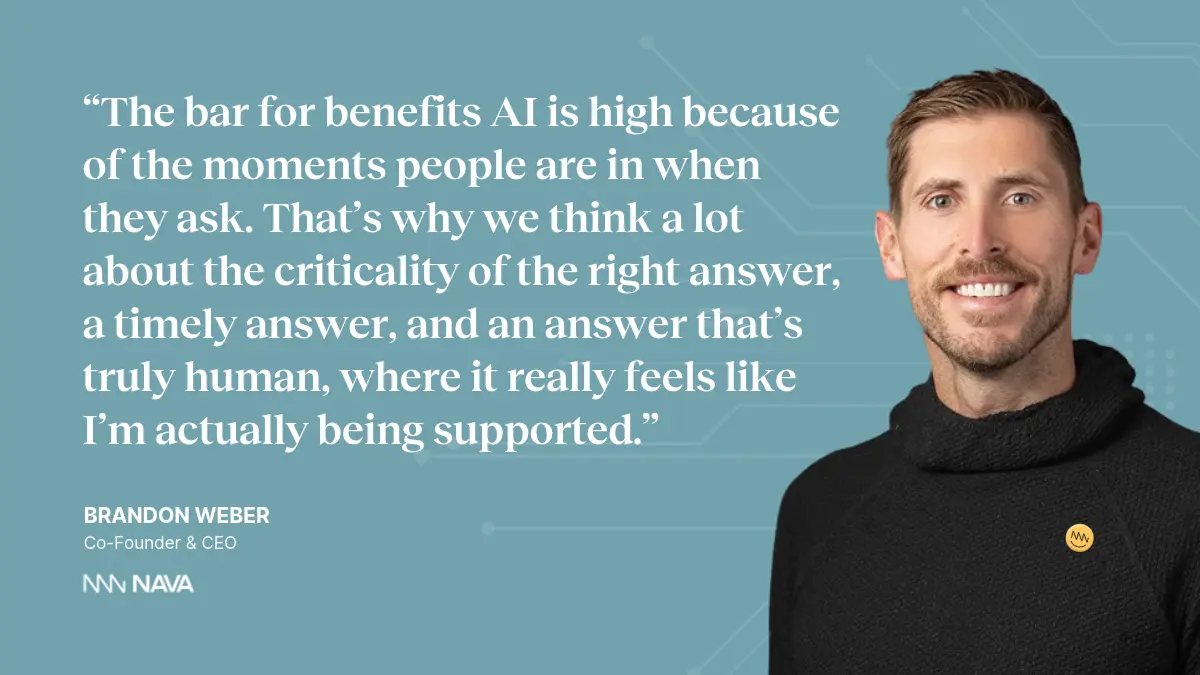
—Brandon Weber, Co-Founder & CEO, Nava Benefits
When should HR use ChatGPT for benefits questions?
Use AI for general, low-stakes tasks where the answer doesn’t depend on one person's plan or health information. Examples include:
- Drafting an open enrollment reminder. The content is general and has no personal data.
- Explaining what a deductible or an HSA is. This is general knowledge that doesn’t vary by employee.
- Brainstorming wellness communications. The stakes are low, and a person reviews the output.
- Researching possible benefits vendors. It helps you build a shortlist and a list of questions to ask.
When should HR not use ChatGPT for benefits questions?
Avoid relying on ChatGPT for answers that depend on one person's plan, elections, or health information, unless you have the safeguards covered later in this guide. In these cases, a benefits-specific tool is usually the safer choice.
- Telling an employee what their plan covers. The answer needs their actual plan documents and elections.
- Reviewing a medical bill or claim. This involves protected health information.
- Comparing plan costs for a specific household. It needs auditable math and current plan details.
- Answering questions about leave, eligibility, or state rules. These rules change during the year and vary by location.
- Responding to a sensitive or urgent situation, such as a new diagnosis. The employee needs a knowledgeable person who can respond quickly.
A quick test before you use it. Ask three questions about the task:
- Does the answer depend on one person's plan, elections, dependents, or location?
- Would the question or the answer include personal health information?
- Could a wrong answer affect the employee's care, coverage, or finances?
If the answer to all three is no, ChatGPT is a reasonable fit. If any answer is yes, follow the safeguards below or choose a benefits-specific tool.
Why does ChatGPT give wrong answers about benefits?
ChatGPT gives wrong benefits answers when it lacks the employee's specific information, works from outdated knowledge, or guesses to be helpful.
Four issues cause most of the errors:
- It doesn’t know the employee's plan. Without the plan documents and the employee's elections, a chatbot fills the gaps with general information, even when it’s pointed at a handbook.
- Missing data looks like a "no." AI tends to treat a gap in its documents as proof that something doesn’t exist.
- Knowledge has a cutoff date. Contribution limits, leave rules, and state requirements change during the year, and AI models learn only up to a training cutoff.
- Math done "in its head" can be wrong. Cost comparisons need calculations you can audit.
Donald DeSantis, cofounder and Chief Product Officer at Nava Benefits, describes how missing data plays out:
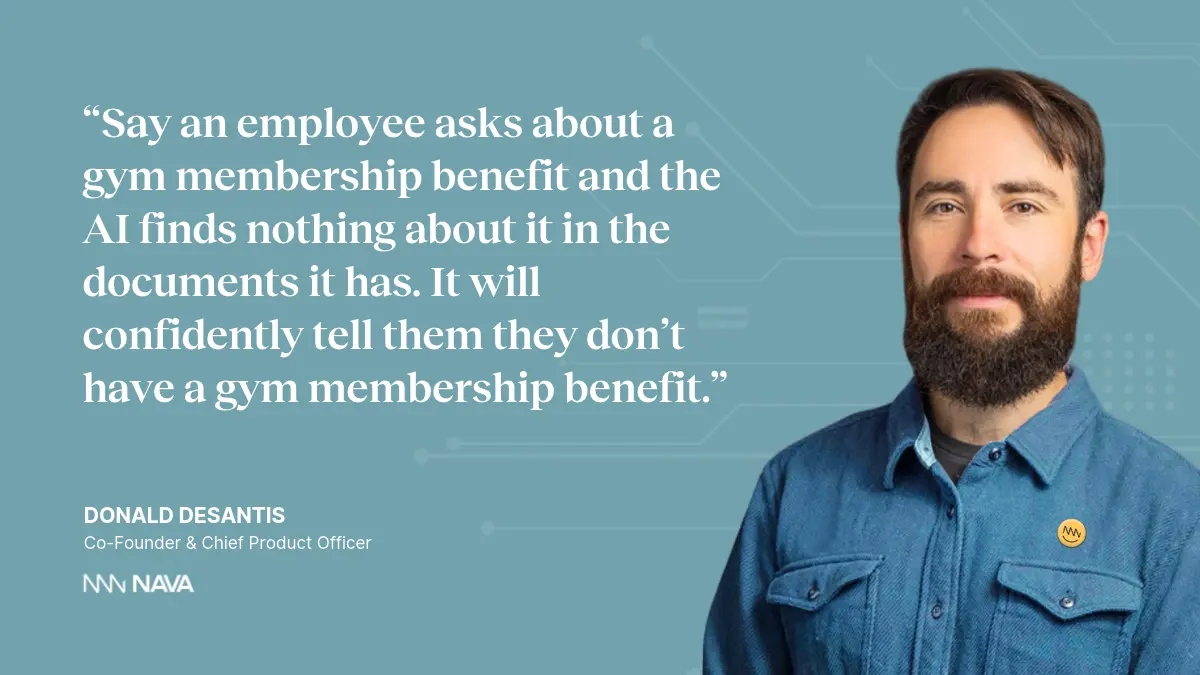
—Donald DeSantis, Co-Founder and Chief Product Officer, Nava Benefits
How can HR use ChatGPT, Claude, or other AI tools safely for benefits?
Choose a plan with the right privacy protections, keep protected health information (PHI) out of prompts unless a Business Associate Agreement (BAA) covers it, require sources, test for accuracy, and set up a human handoff. These steps apply to ChatGPT, Claude, Gemini, Copilot, and similar tools. Here’s the checklist:
- Match the plan to the data. The free, personal, team, and enterprise versions of the same AI tool often come with different privacy terms, and whether a vendor will sign a BAA varies by tool and plan. OpenAI's help center says a BAA is available for its API platform and for sales-managed ChatGPT Enterprise or Edu accounts, and states that it does not offer one for ChatGPT Business. Anthropic's documentation lists Claude Enterprise, once an organization turns on HIPAA compliance, and its first-party API as eligible, and does not list its consumer plans. Do not enter PHI into any plan that is not covered by a BAA, and have your legal or compliance team confirm your setup.
- Turn on the privacy controls. Most AI tools let you control whether your conversations can be used to train models and how long chats are kept, so check these settings in every tool your team uses. In ChatGPT, for example, data controls let you turn off "Improve the model for everyone." Temporary chats are not used to improve models but may be retained for up to 30 days for safety, and thumbs up or down feedback can cause a whole conversation to be used for training. Business, Enterprise, and Edu workspaces are excluded from training by default.
- Keep personal details out of prompts. Describe scenarios in general terms, and leave out names, member IDs, and health details.
- Provide current plan documents and require citations. Ask the AI to cite the document and page behind every answer, and to ask a clarifying question when it is unsure.
- Ask what it could not find. Before you trust a setup, confirm your documents are complete, and ask the AI to list anything it could not locate.
- Test with questions you already know. Build a list of 10 questions from your summary of benefits and coverage (SBC), such as the specialist copay, and check every response.
- Verify anything that changes and anything with math. Check contribution limits and leave rules against official sources, and ask for a spreadsheet or calculation you can audit.
- Set a clear handoff to a person. Decide when a question goes to a human, who that person is, and how the conversation travels with it. Tell employees how to reach a person at any point.
- Pilot with a deadline. Start with a small group, write down what success looks like, and set an end date.
What are the best alternatives to ChatGPT for benefits questions?
The best alternative is an AI tool built for benefits that connects to your plan documents and each employee's elections, shows its sources, and brings in an expert person when needed. There are three tiers to consider.
- General AI tools such as ChatGPT: Best for drafting communications, brainstorming, and vendor research. Keep PHI out unless a BAA is in place, and verify any plan-specific answer.
- Carrier and broker tools. Best for plan details from one carrier, or for technology your broker already offers. Employees may face several apps, and each covers only part of their benefits.
- Benefits-specific AI platforms such as HQ. Best for personalized answers, bill review, employee support, and HR reporting. Check the data connection, sources, accuracy testing, privacy terms, and human handoff.
What to look for in a benefits AI tool:
- It connects to your plan documents, employee elections, and dependents.
- It shows sources and asks clarifying questions when it is unsure.
- The vendor tests accuracy with real benefits questions and can show results.
- It handles information that changes during the year.
- A knowledgeable person steps in with the full conversation context.
- The vendor will sign a BAA, never uses your data to train models, and deletes data on request.
Where does HQ fit? HQ is Nava Benefits' AI benefits platform. It brings the benefits consultant and service team, the HR team, and employees and their dependents onto a single AI layer and a single data set. That connected data supports the kind of personalized answers a general chatbot can’t give. For example, when an employee uploads a confusing medical bill, HQ checks it against the employee's elections and plan documents, explains the charges, and brings in an expert person when something looks wrong.
How do you get started?
You don’t need a large AI strategy to begin. Here’s how to get started:
1. Pick one problem.
Repetitive employee questions, time spent on reporting, and open enrollment communications are common starting points.
2. Define a good outcome.
For example, employees get accurate answers in minutes, and HR gets hours back each week.
3. Test one approach with a small group.
Use the safe-use checklist above, review the results against questions you already know, and decide whether a general tool is enough or a benefits-specific tool fits better.
Frequently asked questions
Is ChatGPT HIPAA compliant?
OpenAI's help center lists a BAA as available for its API platform and for sales-managed ChatGPT Enterprise or Edu accounts, and states it does not offer a BAA for ChatGPT Business. Do not enter PHI into plans that are not covered by a BAA, and check your setup with your legal or compliance team. This is general information and not legal advice.
Can employees use ChatGPT to ask about their benefits?
They can use it for general explanations, such as what a deductible or an HSA is. Answers about their own plan, costs, or coverage need to come from their actual elections and plan documents, with cited sources and a way to reach a person.
Why does AI give wrong answers about benefits?
Common causes include missing or outdated documents, models that treat a gap in data as a "no," training cutoffs that leave out recent changes, and math done without a calculator.
What should HR ask an AI vendor about employee data?
Ask who has access to the data, whether it is used to train AI models, whether it can be deleted on request, and what evidence the vendor provides of deletion.
What is the best AI tool for answering employee benefits questions?
Look for a benefits-specific platform that connects to plan documents and employee elections, cites sources, is tested for accuracy, and hands off to a knowledgeable person. HQ by Nava Benefits is one example.
.webp)
Watch the full conversation
Hear Nava CEO Brandon Weber and Chief Product Officer Donald DeSantis discuss how AI is changing HR and benefits, including how to evaluate vendors and roll out AI with your team.


%20(1).webp)