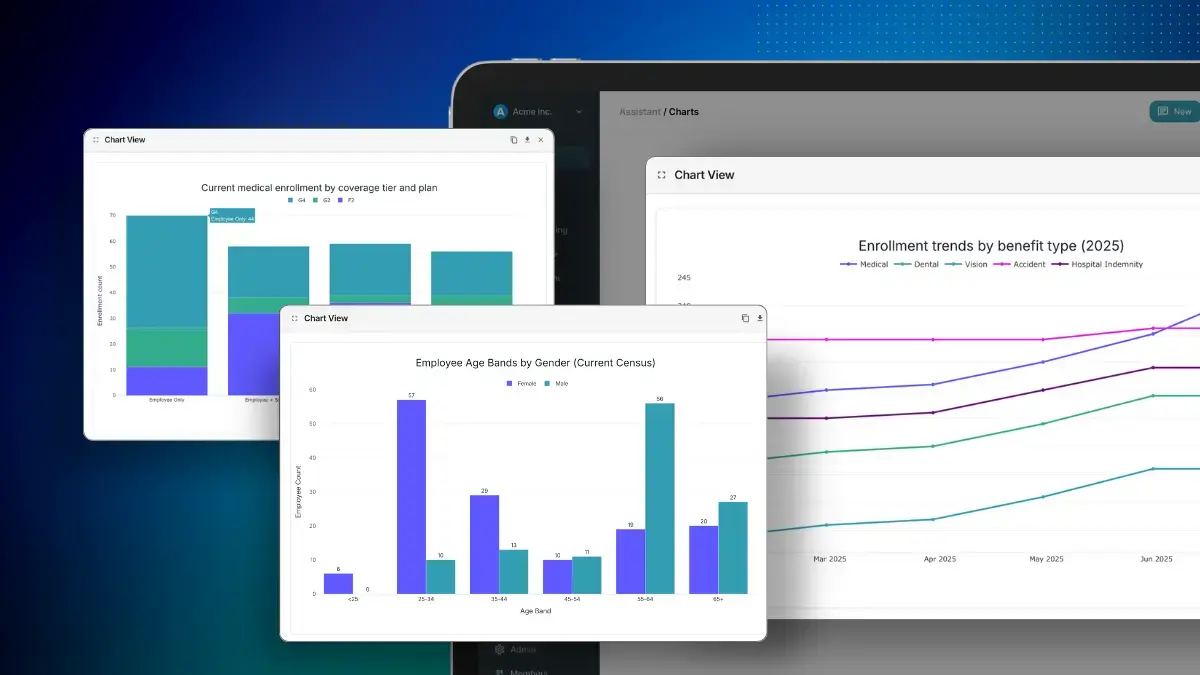
AI adoption in 4 steps: how to get your team on board

AI tools only get used when they solve a problem people already have. This guide shows HR and benefits teams how to launch AI so employees actually adopt it, from choosing the right problem to building momentum after launch.
Your team has a new AI tool, or you're about to choose one. Leadership wants to see results, and you want your employees to use it. What decides whether they do is often set before launch day: whether the tool clearly solves a problem people already have.
An MIT study of enterprise generative AI pilots found that about 95% showed no measurable business impact. A tool that doesn't solve a clear need earns slow uptake, no matter how good the technology is.
So, how do you successfully launch AI to your team and employees? Start with a real problem, test the tool with a small group, and build habits that help people stick with it. This guide walks through a four-step AI adoption framework, with examples from HR and benefits.
What are the biggest AI adoption challenges for HR teams?
The biggest challenge is building your AI plan around a need people already have. Many teams start from the tool instead. Someone asks for an AI strategy, a vendor gives a compelling pitch, and a product gets bought to show progress. Without a defined problem, there's no way to tell whether the tool is working, and employees have little reason to change how they work.
When the technology comes first, it's easy to conclude that any product is as good as any other, which makes it hard to choose well. A clear problem narrows the field quickly.
A second challenge is that AI tools ask more of employees than the software they've used before. Nobody has to decide what to ask a benefits enrollment wizard, because it walks you through the screens. An AI tool starts with an open box, so people need to know what it's for and what to try first.
The four steps below address both challenges.
Step 1: Start with a problem and a clear outcome
Pick one problem your team already feels, and describe what great looks like once it's solved. That gives you a way to choose a tool, a reason for employees to use it, and a yardstick for judging the pilot.
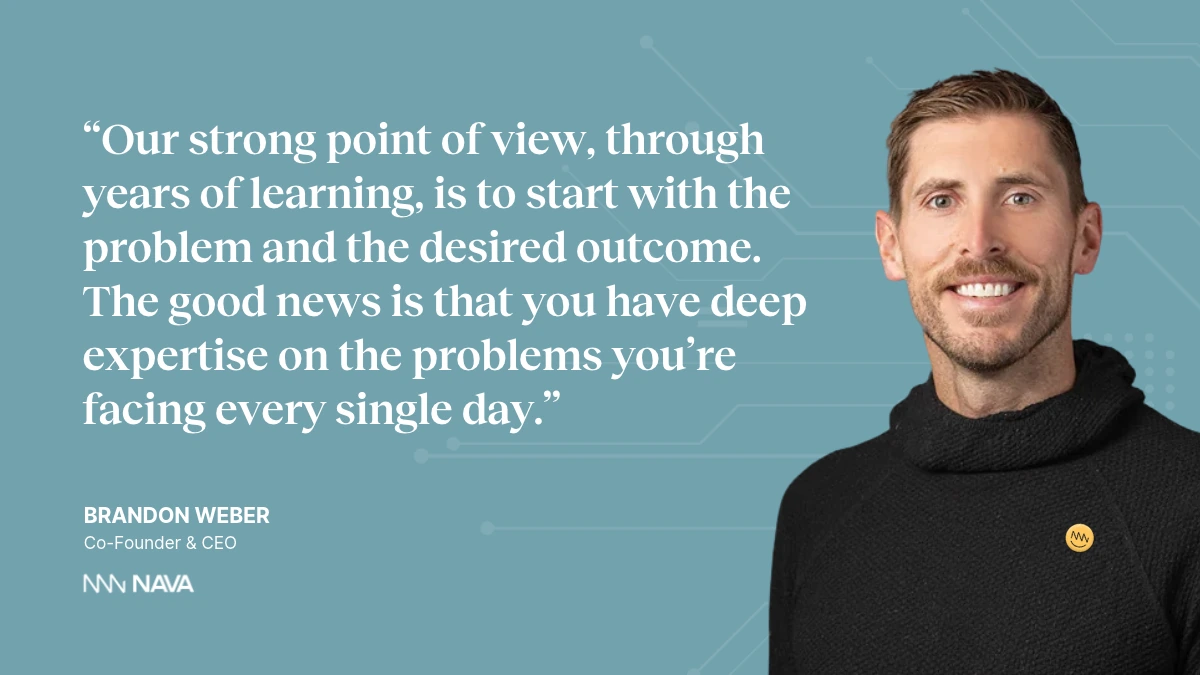
Here are three problems HR teams bring up often, each paired with what great looks like:
- Employees keep asking the same questions. HR answers deductible, HSA, enrollment, and "where's my insurance card" questions every week, which frustrates employees and takes up time. Great looks like employees and their dependents getting instant, personalized answers while HR gets time back for strategic work.
- New benefits go unused. The company invested in a fertility, musculoskeletal, or mental health solution, and usage is low. Great looks like employees understanding what they have, and the right benefit showing up at the moment they need it.
- Administration takes over the week. Medical bill review, eligibility management, and compliance eat up hours. Great looks like fewer eligibility and billing errors, fewer compliance issues, and easier reporting.
Your list may look different. The point is to move from "a vendor called me, so I'll try it" to "we have a problem to solve this year." To write yours, finish three sentences:
- The problem we have is...
- Great looks like...
- We'll know it's working when...
Once those are written, they do double duty. They help you narrow down which tools could solve the problem, and they become the success criteria for your pilot.
Step 2: Run a pilot with a small group and a deadline
Test the tool with a small group before you roll it out to everyone, and set an end date on day one.
Choose a handful of enthusiasts who are excited about AI and can become your AI champions. Add a few skeptics who hold a high bar, since their feedback shows you where the tool falls short. Then write down what you hope to see, such as people using it regularly, making fewer errors, or finding it easier to build a report they used to build by hand. Tie each criterion back to the problem you chose in step 1.
The deadline matters because pilots drift without one.
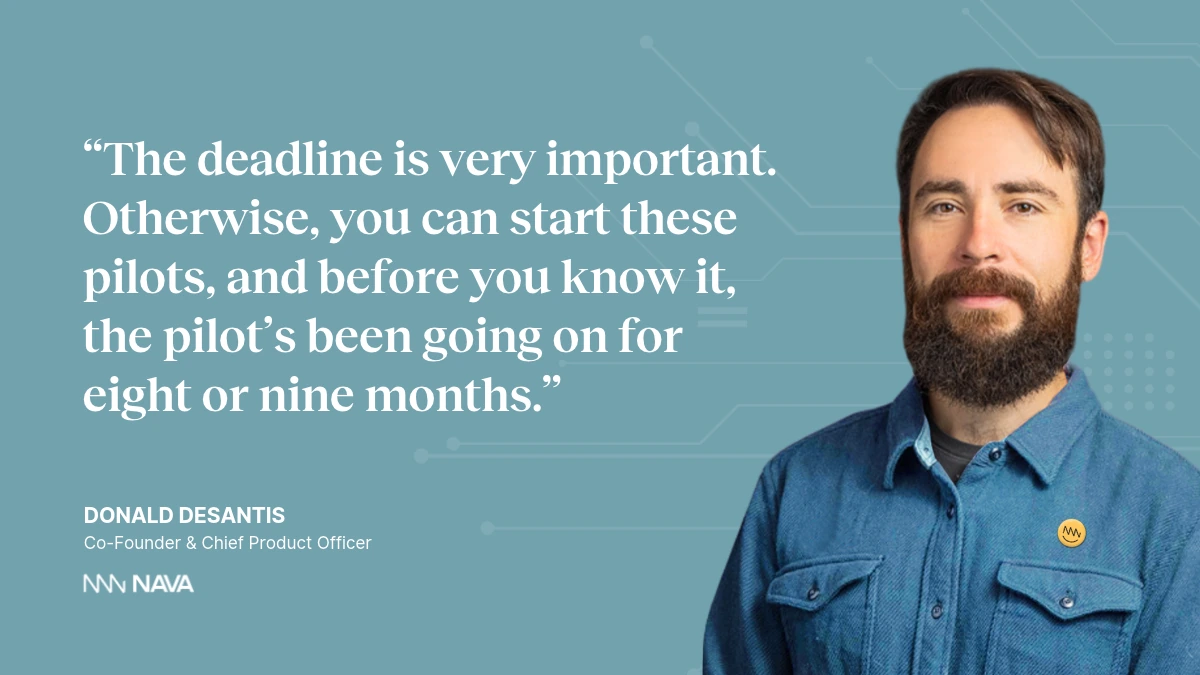
When the end date arrives, review the results against your criteria. If the pilot went well, move on to a wider rollout. If it didn't, work out why, then run it again with changes or choose a different tool.
Step 3: Train employees with a live workshop
After a successful pilot, bring the wider team together for a live session where everyone tries the tool at the same time. It's the most practical form of AI training for employees, because people leave having already used it.
In a company of around 200 people, that can be a single all-hands. In a larger company, you can run the same session by team. Here's a format that works:
- Open laptops and log in together. Walk everyone to the home screen so nobody falls behind.
- Share a handful of starter questions. "What do I ask the AI?" is one of the most common questions employees have, so give them a few to try. Choose ones that match the problem from step 1.
- Keep the chat open. Some people won't be able to log in or find the invite, and the questions are often very basic.
- Have managers follow up. Ask them to revisit the tool in team meetings and one-on-ones. It takes a few interactions before people think to reach for a new tool when a problem comes up.
Step 4: Role-model the behavior and celebrate wins
Adoption spreads when leaders use the tool where people can see it, and when employees who get good results are recognized for it.
Start with leadership. If it fits the tool, the CEO and other leaders should use it and share what they've learned in Slack, Microsoft Teams, or a company-wide email. Then look to the front line. When an employee at any level is getting strong results, say so publicly.
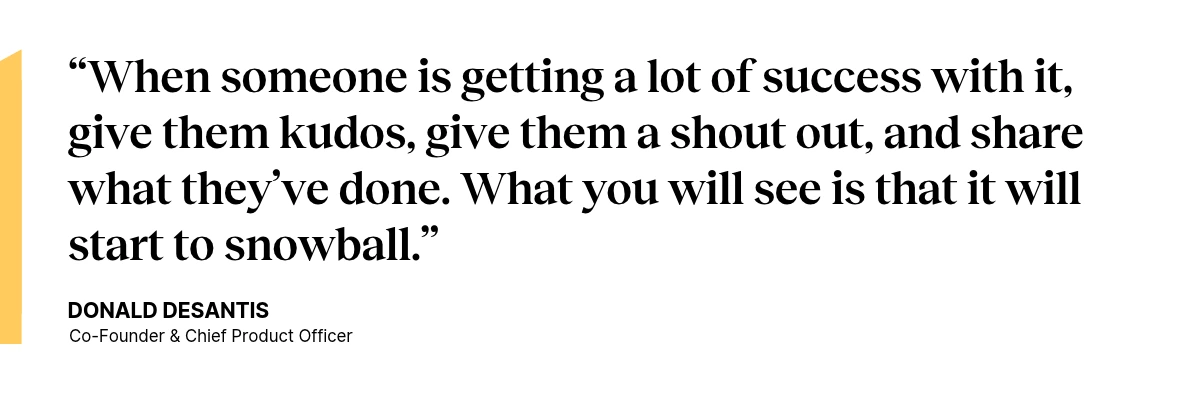
Each visible win gives other people a reason to try the tool and builds momentum for the next one. This step never really ends, so keep it going after launch.
How do you know your AI rollout is working?
Check your results against the outcome you wrote in step 1. Here's what that can look like for the three problems above:
- Repeat questions: the number of routine questions reaching HR goes down, and employees get answers faster.
- Unused benefits: employees open and use the benefits you invested in. Ask your vendors for anonymized engagement and utilization data, and look at which questions employees are asking.
- Administration: you see fewer eligibility and billing errors, and reports take less time to build.
If the numbers lag, look at three things: whether the problem was clearly defined, whether the pilot group matched your employees, and whether people know what to ask.
Frequently asked questions
Do we need an AI adoption strategy before we start?
No. You don't need a large, formal strategy to begin. Pick one problem and one outcome that matter to your team, and start small. The results from that first effort give you something real to build on.
Who should be in an AI pilot?
Include a mix of people who are excited about AI and people who are skeptical but have a high bar. Enthusiasts help you find early wins and become AI champions, and skeptics help you find gaps before a wider launch.
How long should an AI pilot run?
Choose an end date before the pilot begins. The right length depends on your goal and the size of your group, but a pilot without a deadline can run for months without anyone deciding whether it worked.
How do employees know what to ask an AI tool?
Give them starter questions in your live workshop, and pick ones that match the problem the tool is meant to solve. Managers can then bring the tool up in team meetings and one-on-ones, so people keep practicing.
What if the pilot doesn't go well?
Compare the results to the success criteria you set at the start, and work out why it fell short. You can then run the pilot again with changes, such as a different group or clearer starter questions, or choose a different tool.
Can we start with an AI tool we already have, like ChatGPT?
Yes, for the right tasks. A general AI tool can help you research vendors for the problem you chose, draft communications, and explain common terms. Questions that depend on one employee's plan or health information need extra safeguards or a benefits-specific tool.
Watch the full conversation
Hear Nava CEO Brandon Weber and Chief Product Officer Donald DeSantis discuss how AI is changing HR and benefits, including how to evaluate vendors and roll out AI with your team.